
Guide · Basics
What is IPTV, and how does it work?
Quick answer
IPTV (Internet Protocol Television) delivers live TV channels and on-demand video over your internet connection instead of a cable or satellite line. You install a player app on a TV, stick, phone or computer, sign in with a login from your provider, and choose channels from a guide, much like a cable box but on hardware you already own.
By the IPTV Great support team · Reviewed
The short version
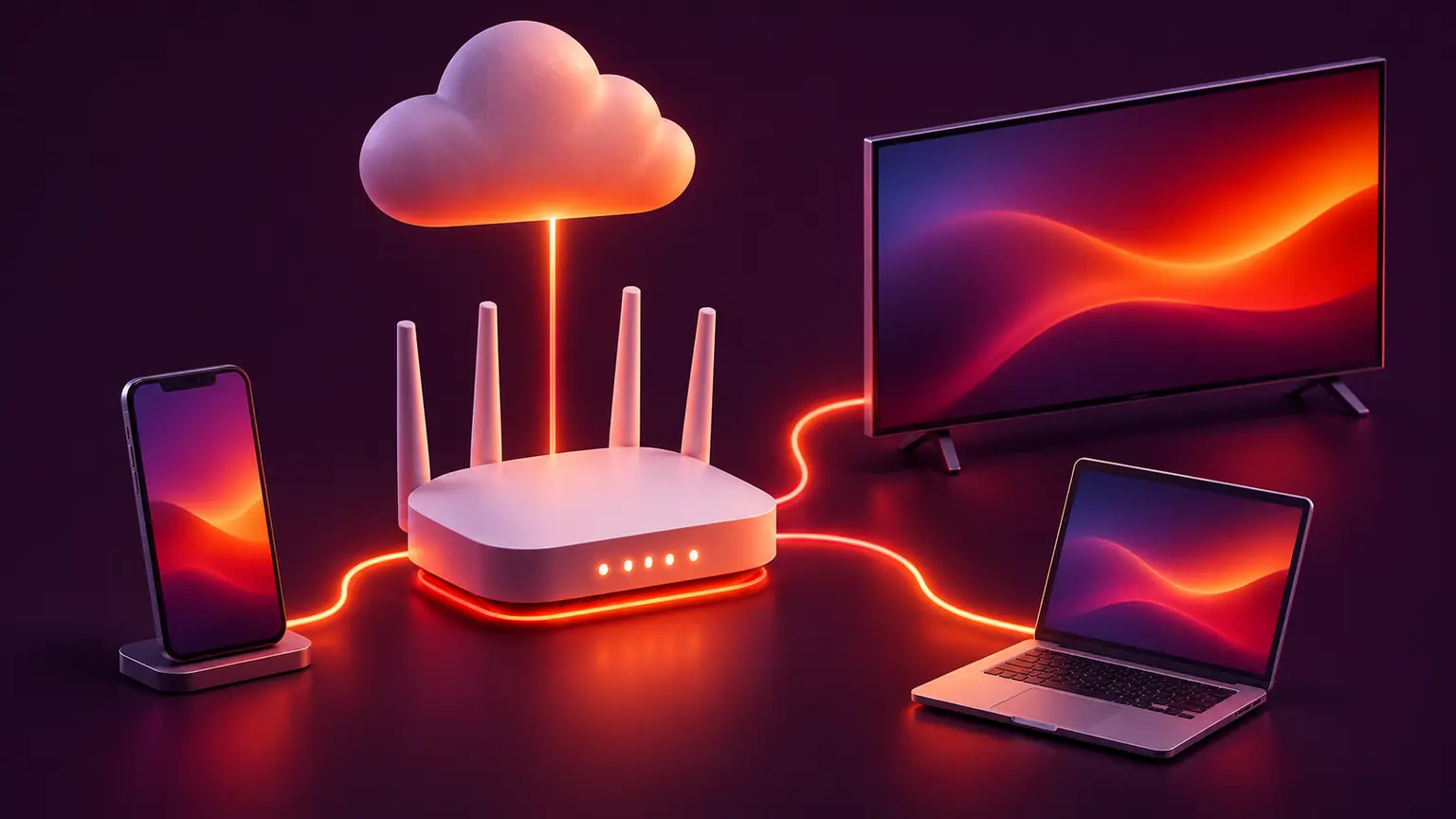
Cable sends TV down a coax line. Satellite beams it to a dish. IPTV sends it as data over the internet, the same way a video call or a web page reaches you. Your device asks for a channel, and the stream arrives in small pieces that the player stitches back together.
What you need at home
- An internet connection. Steady matters more than fast; see how much speed you need.
- A device: a Firestick, Android TV, smart TV, Apple TV, phone, tablet, computer or a set-top box such as a MAG.
- A player app, such as TiviMate, IPTV Smarters or UHF. The app is just the screen; it has no channels of its own. Compare them in our player guide.
- A subscription that gives you a login: an Xtream Codes account, an M3U link, or a portal address.
Live TV, movies and series
An IPTV subscription usually has two halves. Live TV works like broadcast TV: you watch what's on now. Video on demand (VOD) is a library of movies and series you start whenever you like. IPTV Great includes 39,000+ live channels and 240,000+ on-demand titles (180,000+ movies and 60,000+ series). Exactly what's in the line-up changes over time, so check what's included and test the channels you care about during the free trial.
IPTV vs cable vs streaming apps
| IPTV subscription | Cable or satellite | Streaming apps | |
|---|---|---|---|
| Delivered by | Your internet connection | Coax line or dish | Your internet connection |
| Equipment | Devices you already own | Provider's box, often rented | Devices you already own |
| Live channels | Large line-up in one app | Package-dependent | Usually few or none |
| Contract | Prepaid plans, no auto-renew here | Often 12–24 months | Monthly, auto-renews |
We go deeper in IPTV vs cable.
What to check before subscribing to any IPTV service
- Can you try it free on your own TV first? (Ours is a 24-hour trial.)
- Are all prices published, including for extra screens? (All 20 of ours are.)
- Is there a written refund policy? (Ours is 7 days.)
- Can you reach a real person, and do the contact details stay the same everywhere on the site?
- Does the provider avoid claims that no one can promise, like "zero buffering" or "100% uptime"?
Common questions
Is IPTV the same as Netflix?
Not quite. Netflix is an on-demand app with its own catalog. An IPTV subscription centers on live channels and is watched through a separate player app, often with an on-demand library as well.
Do I need a special box?
No. Most people use a device they already have, such as a Firestick, Android TV or smart TV. Dedicated boxes like MAG or Formuler are optional.
Keep going
Still stuck? Contact support or message us on WhatsApp. Tell us your device, app and what you see on screen.
Try before you pay
Test IPTV Great on your own TV for 24 hours
Request a free 24-hour trial, check the channels and apps you care about, then choose a plan. Every plan is covered by a 7-day refund policy.